
Audacity Databending – Creative Scan
I saved my creative scan as a TIFF file and then transferred my image’s raw data to the program audacity several times and added effects in several different experiments which provided two similar results and one different result.

Databend 1
In my first attempt to alter the data of my image, I imported my image through U-law encoding. After the data was fully imported I added reverb and echo to my first set of data. After exporting my file as raw data I previewed my first result. My picture’s color was severely altered and glitch bars had appeared both at the top and bottom of the image. The results made identifying anything in my creative scan visible from a first glance.
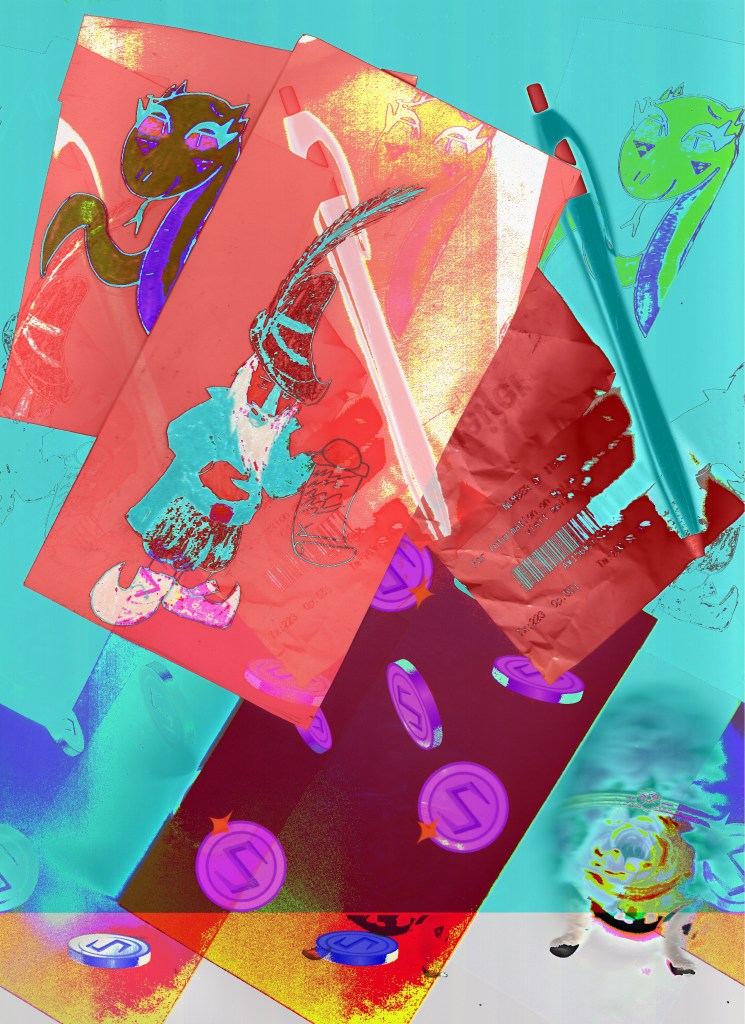
Databend 2
In my second attempt to alter the data of my scan, I imported my image through A-law encoding. When the data was fully imported I added reverb and echo to my second set of data. After exporting my file as raw data I previewed the second result of altering the data. My second picture’s color was inverted, the image was multiplied across the image three times, and a glitch bar appeared at the bottom. I was able to identify most of my items with a quick glance but the multiplied image made clarifying anything difficult.
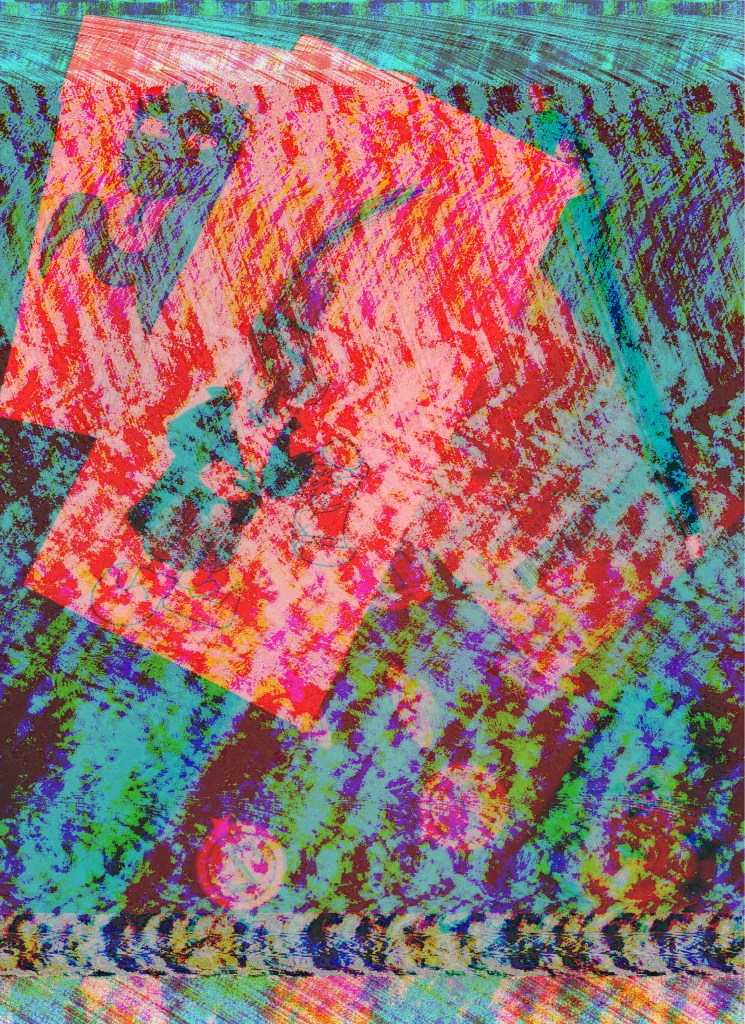
Databend 3
In my third attempt to alter the data of my scan, I imported my image through U-law encoding. When the data was fully imported I inverted, reversed and added reverb to my third set of data. After exporting my file as raw data I previewed my third attempt of manipulating the data. My third picture’s color severely altered, similarly to my first attempt, large amounts and repeated waves of colors covered the image and screen tearing occurred on the top and bottom. The results rendered anything in my scan nearly impossible to see.
 Seth "Machete" Demeter